
Mobile Live Streaming Tips for Beginners
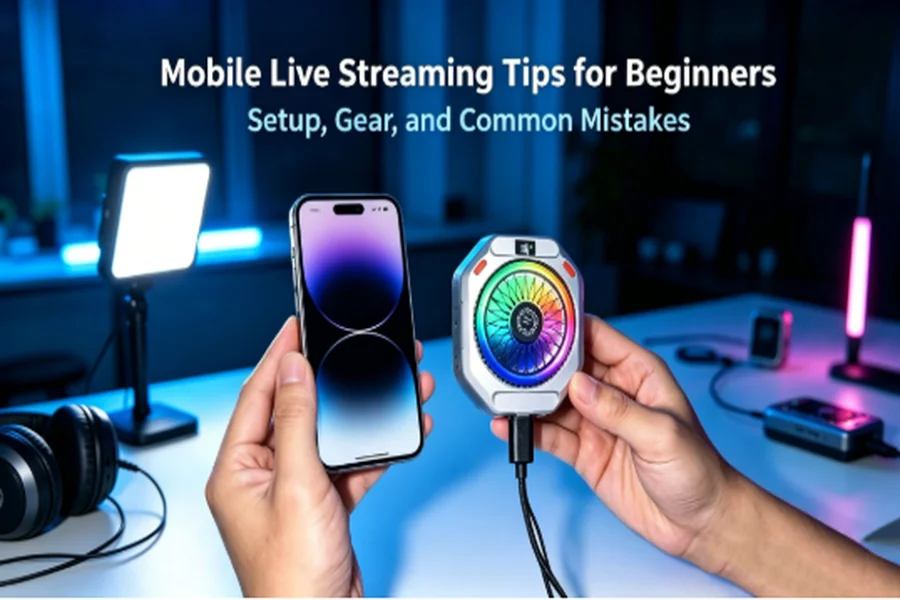
I’ve been live-streaming from my phone for years now, and here’s the honest truth: you don’t need a studio to get started. You need a decent phone, a few smart settings, and a little confidence. That’s it.
When I did my first stream, I made almost every mistake in the book. Bad audio, a cluttered background, and a phone that overheated ten minutes in. So consider this your shortcut. These are the mobile live streaming tips I wish someone had handed me on day one.
Let’s get you live.
Why Mobile Live Streaming Is Worth Starting
Your phone is already a broadcast studio in your pocket. Modern cameras shoot sharp video, the microphones are usable, and every major platform is built to go live with just a couple of taps. I still run plenty of streams with nothing more than my phone and a small tripod.
Live content also builds trust faster than anything else. People see the real you — unedited, in the moment. That connection is exactly why learning how to live stream from your phone is one of the best moves for any creator.
Essential Phone Settings Before You Go Live
Most beginner problems start before the stream even begins. Sort these settings out first, and you’ll avoid a lot of headaches.
Video Resolution and Frame Rate
Set your camera to 1080p at 30fps. It looks clean, streams smoothly, and doesn’t eat your data or storage. Save 4K for recorded videos — it’s overkill for most live platforms and burns through battery.
If you’re streaming fast action or gameplay, bump up to 60fps. For talking, cooking, or chatting, 30fps is perfect.
Turn On Stabilization
Shaky footage is distracting. Enable your phone’s built-in stabilization in the camera settings. It won’t replace a tripod, but it smooths out small movements and makes handheld streaming watchable.
Enable Do-Not-Disturb Mode
This one is non-negotiable. Nothing kills a professional stream faster than a call interrupting you or notifications popping up on screen. Turn on Do-Not-Disturb (or Focus mode) every single time before going live.
Check Storage and Battery
Live streaming records and processes a lot in real time. Make sure you have free storage and at least 60% battery, or better yet, keep it plugged in. A stream that cuts off mid-sentence looks sloppy and frustrates viewers.
Recommended Gear for Beginners
You don’t need everything at once. Add pieces as your channel grows. But if I had to rank what matters most, here’s my order.
External Microphone
Audio matters more than video. Viewers will forgive average picture quality, but they’ll leave over bad sound. A small clip-on mic or a wireless lavalier makes a huge difference and costs less than you’d think. This is the first upgrade I recommend to everyone.
Tripod or Gimbal
A phone tripod keeps your shot steady and frees your hands. If you move around a lot, a gimbal adds smooth, professional-looking motion. Either one instantly makes your stream look more polished.
Ring Light or Portable LED
Good lighting is the cheapest way to look better on camera. A ring light gives you even, flattering light and works great for face-to-camera streams. A small portable LED panel is more flexible if you film in different spots.
Natural window light works too — just face the window, never let it sit behind you.
Phone Cooler
Here’s a tip most beginners miss: phones overheat during long streams. When that happens, your video quality drops, and the phone can shut down. A small phone cooler keeps temperatures in check, so your stream stays stable from start to finish. If you go live for more than 20 minutes at a time, this is worth every penny.
Now there are many selections on the market, MagSafe support magnetic phone coolers, wireless charging support phone coolers…You can choose this kind of cooler based on your budget. But if you buy one, you had better select the one that has a 1/4 screw, which can connect with the triple. It will be more convenient when you need it.
Power Bank or Bypass Charging
Long streams drain batteries fast. Keep a power bank nearby, or use a phone with bypass charging so power feeds the board directly and reduces heat buildup. Running out of battery mid-stream is the easiest mistake to avoid — so plan for it.
That combination of mic, tripod, light, cooler, and power is really the best setup for phone live streaming without breaking your budget.
Platform-Specific Quick Tips
Each platform rewards different habits. Here’s what I’ve learned from streaming on all three.
YouTube
YouTube favors longer, meatier streams. Give your stream a clear title and thumbnail, and don’t rush — viewers arrive over time. Horizontal (landscape) video works best here.
TikTok
TikTok is fast and casual. Stream vertically, keep your energy high, and interact constantly. Momentum matters, so streaming when your audience is active gives you a real boost.
Instagram Live is intimate and quick. Vertical video is the norm. It’s great for Q&As and behind-the-scenes moments, and you can invite a guest into a split-screen for easy collaboration.
Practical Tips During the Stream
Once you’re live, a few habits separate a smooth stream from an awkward one.
Engage your audience. Greet people by name, answer comments out loud, and ask questions. A live stream is a conversation, not a monologue. This is the single biggest thing that keeps viewers watching.
Keep your background clean. A tidy, simple background keeps the focus on you. Clear away clutter, or set up against a plain wall. Small effort, big difference.
Test your audio first. Before you announce anything, do a quick sound check. Record ten seconds, play it back, and confirm your mic is working. Silent or muffled streams are the fastest way to lose people.
Common Beginner Mistakes to Avoid
I made all of these, so learn from me instead:
- Ignoring audio. Cheap or unchecked sound ruins good content. Fix this first.
- Forgetting Do-Not-Disturb. One call notification, and you look unprepared.
- Bad lighting. Backlighting turns you into a shadow. Light your face.
- Not testing beforehand. A 60-second dry run catches most problems.
- Letting the phone overheat. Long streams need cooling accessories and power charging. Plan ahead.
- Talking to no one. Silence during quiet moments feels awkward. Keep chatting, even to a small crowd.
Every one of these is easy to fix once you know about it.
Ready to Go Live?
Here’s the thing about your first stream: it doesn’t have to be perfect. It just has to happen. You’ll learn more from one real broadcast than from a week of reading guides like this one.
Start simple. Set your resolution, silence your notifications, check your audio, and hit go live. Add gear as you grow. Every creator you admire started exactly where you are right now.
So pick a topic, set up your phone, and go live today. Your first viewer is waiting — and future you will be glad you started.