
Hoodie Design Trends for 2026: Designing with Adobe Express
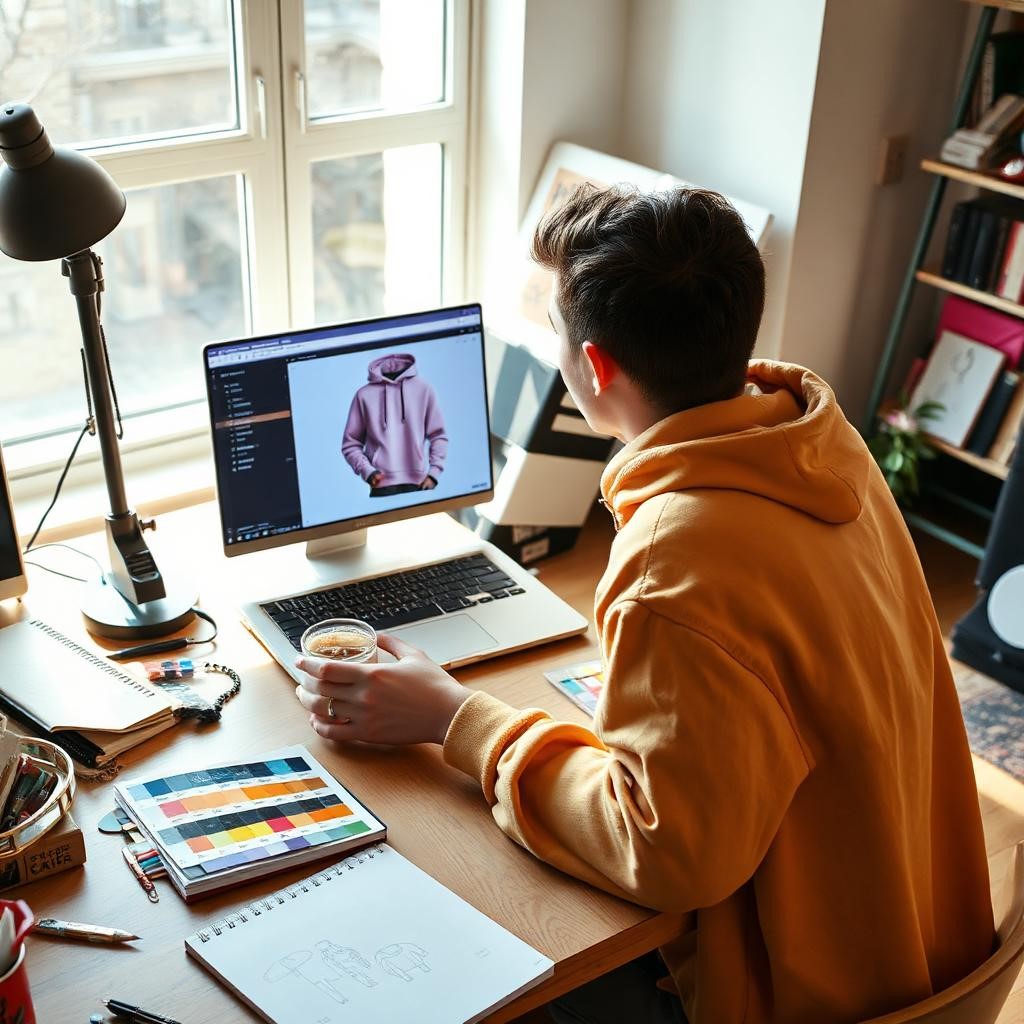
By 2026, fashion blurs the lines between “consumer” and “creator.” Streetwear thrives with micro-brands and DIY hoodies. Online design tools offer a user-friendly design platform emphasizing AI features and templates for hoodie designs.
Takeaway: The hoodie has changed from something people wear casually to a main canvas for digital art and personal branding.
The Growth of DIY Streetwear in North America
Before we open the software, it’s important to know what’s going on in the area. By 2026, “personal style” will value making things over buying them. People in North America love stories, so fashion is starting to tell them. In the “creator economy,” Adobe Express does very well. Local artists combine digital art with fabrics.
In 2026, two significant trends will emerge:
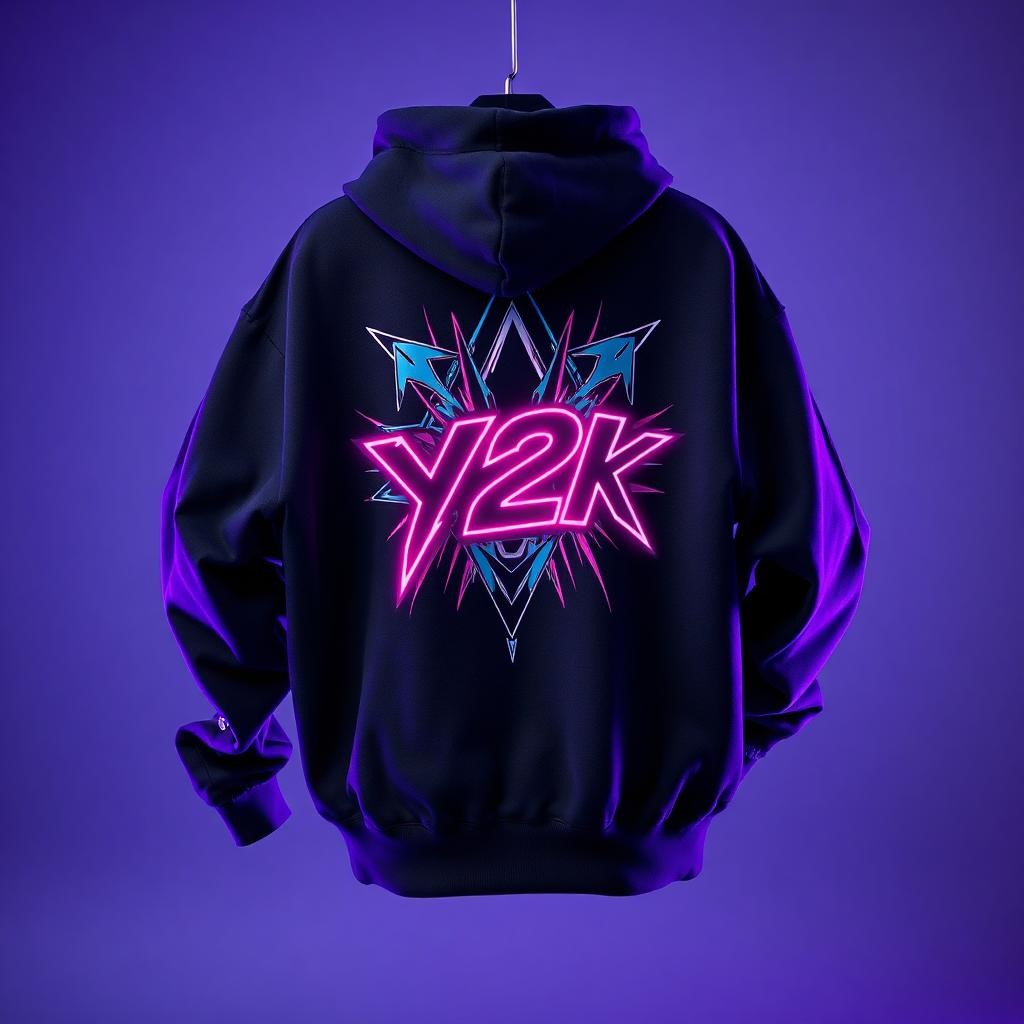
- Neo-Y2K is chrome writing, cyber-sigilism, and over-the-top collages.
- Future Minimalism uses heavy materials, mellow earth tones, and hard-to-read serif typefaces.
I considered these two alternatives when testing this tool’s efficacy. I wanted to see if the same tool could manage Y2K chaos and simplicity without being too big or too little.
Takeaway: modern streetwear is all about hyper-personalization and niche aesthetics, which means that design tools need to be versatile.
A Closer Look at Adobe Firefly and Generative AI
In 2026, Adobe Express merges with Adobe Firefly, transforming design for non-designers. You can just type your request, like a “cyberpunk cherry blossom tree.” I tried this for a Neo-Y2K sweatshirt with a complex, line-free futuristic back print.
The Steps:
- Prompting: I wrote “Chrome liquid metal shape, abstract, 3D render, iridescent colors on black background” to get the prompt.
- Refining: The first outcome was nice, but Firefly lets you choose “styles.” I chose “Synthwave” and “Digital Art.”
- Result: In only a few seconds, I had four different high-resolution assets that looked like they cost $500 to make.
The “Text to Image” option is neat, but the “Text Effects” tool enhances the sweatshirt design. I used a “melting plastic” style, achieving trendy results. Firefly simplifies shading and texturing in Photoshop, making idea visualization easier.
Takeaway: Generative AI turns word prompts into graphics that look like they were made by an expert, making it easier for everyone to make complex art.
The Template Library: Y2K Chaos vs. Minimalist Accuracy
Starting with a new page can be challenging, but helpful templates can make things easier. I looked into “streetwear” and “retro futuristic” for the Y2K style and found a lot of designs that weren’t just typical early 2020s styles. I found templates that used:
- Distressed textures (grunge overlays).
- Pixel art and acid graphics.
- Star symbols and tribal tattoos (cyber-sigilism).
I used a template with a chrome globe and vintage typography, modifying the background and changing the typeface to jagged metal. An Instagram drop mockup took me under ten minutes.
Testing Future Minimalism: Minimalism influences letter spacing, thus I focused on space and typeface quality. I used fonts to type a word in a unique serif font and align pieces. Snap-to-grid enhanced accuracy, and the asset library shows designers other styles.
The Value Review: Production Print Quality and Exporting
Design is entertaining, but making is serious. If a design looks good on a screen yet prints poorly, it fails. Many browser-based solutions look fine at 72 DPI but falter at 300 DPI.
The Export Test:
My “Chrome Liquid” Y2K design was ready for a Direct-to-Garment (DTG) printer, a popular method for US and European influencers doing POD (Print on Demand).
- Transparency: Online design tools remove black backdrops with one click, revealing chrome.
- Resolution: To make large back prints, I scaled the canvas to 14×16 inches. Vector elements scaled effectively, while AI raster images kept up without stretching.
- File Type: It is important to be able to export as a PDF or a high-quality PNG. I exported it as a transparent PNG with the best quality.
The Output Verdict: I took a test print to a store in Austin, Texas. The bright colors and lettering looked great on fabric. High-resolution exports match professional quality, making it easy to convert digital files into clothing.
Takeaway: Adobe Express delivers high-resolution, transparency-ready exports necessary for professional garment printing.
How to Make Your First Limited Drop: A Step-by-Step Guide
If you want to make your own sweatshirt, here’s a method that will help you get the most out of the tool for a 2026 audience.
1. Figure Out Your Vibe (the Idea Stage)
Don’t open the program yet. Choose your story. Are you going for the dark, grunge look of Seattle’s rainy streets or the bright, neon look of Miami’s hot streets?
Tip: Make a mood board. You can really do this in this tool by putting pictures together to make your color palette.
2. Choose Your Canvas
Start the software and choose “Custom Size.” Make sure your dimensions match the area where you want to print. For a pocket logo, a decent size is 4×4 inches, and for a front chest print, 12×12 inches is a good size.
Key Action: Always work in inches, not pixels, to make sure the print is ready.
3. Make the Hero Image
Use the “Text to Image” option. Be specific. Instead of “cat,” say “black ink only, vintage, distinct line art of a tiger, Japanese tattoo style.”
Refinement: Make 4–5 different versions and choose the one with the straightest lines.
4. Typography is King
Put in your text. Don’t use simple fonts like Arial. Check out the “Streetwear” or “Display” sections.
Curved Text: To wrap your brand name around your image, use the “Curved” text tool. This gives it a classic look like that of a college or badge.
5. The Mockup
This is crucial for marketing. This tool can place your design on a model wearing a blank sweatshirt. The “Mockup” option.
Why it’s important: Before printing, share this picture on Instagram or TikTok to see how many people are interested.
Takeaway: Follow a set of steps to turn your idea into a product that can be bought.
Adobe Express: The Future of Influencer Clothing?
In 2026, Adobe Express will join TikTok and Instagram scheduling to make things better for businesses and influencers. People can create things, make promotional videos, and manage their posts with collage-making and AI-assisted streetwear design.
Who is this for?
- The DIY Enthusiast: is someone who loves to make gifts for friends or family that are unique.
- The Content Creator: People who sell things on YouTube or live streams.
- The Micro-Brand: These are small clothing brands that only make 50 to 100 items at a time.
Takeaway: Express is the best all-in-one solution for the creator economy, but it can’t replace high-end professional tools.
Conclusion
In 2026, hoodies are inspired by concepts rather than supply systems. This online tool has straightforward clothes design capabilities. From subtle to strong Y2K trends, it encourages artistic freedom.
Frequently Asked Questions
1. Can I use the pictures that Adobe Firefly makes for business purposes?
Firefly ensures business safety by generating art from Adobe Stock and public domains, allowing copyright-free use on products like sweatshirts.
2. What kind of file should I provide to the printer for my hoodie?
The standard is a 300 DPI PNG with a transparent background; confirm with your printer. Use “PNG (Transparent Background)”. Avoid JPEGs for printing due to lack of transparency.
3. Can I use Adobe Express to design hoodies for free?
This tool offers a free plan with templates and basic tools, while premium features, such as advanced fonts and high-res AI, require a subscription. Casual users may find the free version sufficient, but brands should consider upgrading.